Vai al contenuto principale

The portal for your CAD/CAM dental lab.

Digital forms, tracked work items, prescriptions with medico-legal value. All within a single collection point. Not a link subject to expiry after seven days.

Built by a CAD/CAM production centre. For CAD/CAM production centres.

  • EU self-hosted
  • Ten-year medico-legal traceability
  • Confidential client records
  • From a CAD/CAM production centre
In action

See CadCamCloud in action

Two short videos. The first tells the story of the network of labs and practices that takes shape on the platform; the second shows concretely what it offers your lab.

A network, not just an archive

Every dot in our logo is someone: a lab, a dental practice, another lab. The lines are the files and prescriptions travelling between them. Together they form the network the platform is named after.

What it does for your lab

A tour of just over thirty seconds: a public profile, organised work items, files complete with every production detail, real-time updates and ten-year retention.

Subtitles available in English, Italian, German, French and Spanish, selectable from the player menu.

Three channels, five orders a day, a client enquiring about delivery by eight in the morning.

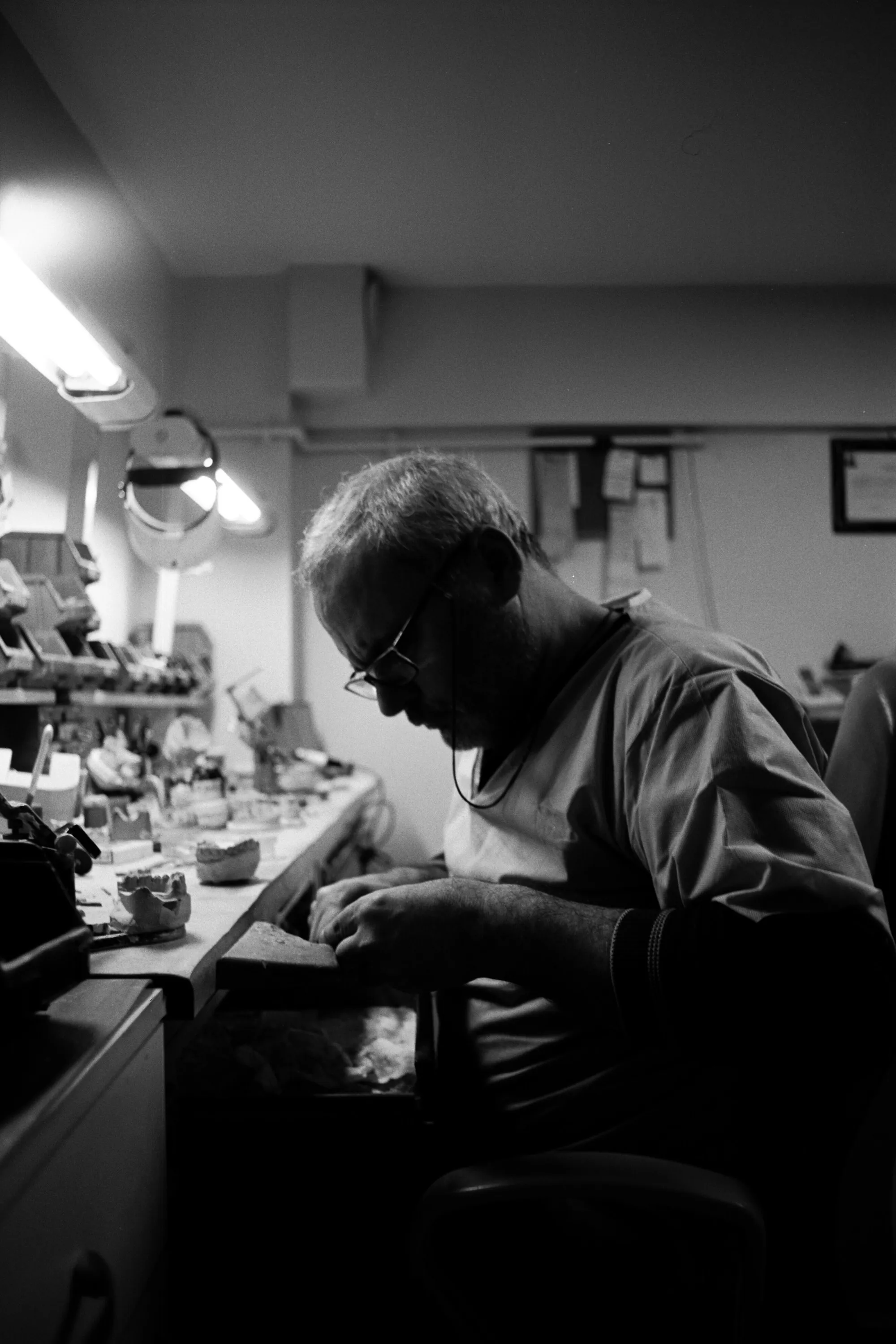
Every CAD/CAM dental lab, sooner or later, operates in this manner: the prescription arrives via WhatsApp on Monday, is confirmed by email on Tuesday and amended in a telephone call five hours later. Three channels, no single source, no firm date. When the device returns at variance with expectations, reconstructing who requested what — and when — entails a greater expenditure of time than the rework itself.

This is not an isolated perception. In the 2023 survey conducted by the Order of Physicians of Florence on more than 1,500 Italian healthcare professionals, 84.3% of dentists indicated WhatsApp as their primary professional communication application. Not personal: professional.

Crowded workbench with dental lab materials

01 — Three channels. Five orders. One client.

Intraoral scans now also arrive via links subject to expiry within seven days: a solution that works until it does not. When the device returns at variance with expectations, the link is expired and no party is in a position to indicate where the original file is archived.

The problem is not WhatsApp. The problem is that, when an order resides across three channels, no single collection point exists in which it may be retrieved intact.

CadCamCloud is that single collection point.

Features
01

A form for each work item

Milling, laser melting, 3D printing, orthodontics: the platform enables you to configure one form per work item type your lab produces, once and for all. Client practices may not submit a submission lacking mandatory fields, and the lab need no longer chase missing information via WhatsApp. DICOM upload (CBCT, CT, radiology series) is available on Premium and Enterprise plans, with dedicated antivirus scanning and compliant PHI handling.

02

Medico-legal prescription, automatic

Each submission received generates an immutable PDF/A — ISO 19005 standard, conformant with AGID Guidelines — comprising complete client record, completed form, attached files with cryptographic checksum, timestamp and unique UUID. A QR refers to a public verification page accessible without authentication. Retained for ten years, in line with the requirement EU Regulation 2017/745 places upon the manufacturer of custom-made medical devices.

03

Each file has its own status

A single submission may contain ten distinct STLs. CadCamCloud separates them into ten work items, each with a unique code, its own status (received, in production, quality control, ready, shipped) and a tracked history. The practice no longer needs to call for status updates: it views the status in real time.

04

Your clients remain your clients

The client records of your lab belong exclusively to your lab. Volumes, order frequencies, files received from your practices: no other lab on the platform has access. Even from the administrative console we consult only aggregate system metrics — how many practices are active, in which countries — used exclusively to size servers and hosting in line with workload. Never a name, never an email address, never a file. Servers in the European Union, every administrative access logged.

05

Your brand, on display

Each lab is provided with a public portal under its own name — logo, colours, price list, work gallery. Client practices upload STLs and forms directly from there.

06

Connected to your management system

Orders received on CadCamCloud are forwarded to your ERP via HMAC-SHA256 signed webhooks — without the need for fragile ad-hoc integrations. Public REST API for those who develop on the intraoral scanner or CAD software side, comprehensive OpenAPI documentation, test sandbox included in Premium and Enterprise plans.

Three steps and you are operational.

  1. 1

    Configure the forms

    Create one form for each type of work item your lab produces. Which fields to collect? Whichever fields your workflow requires: material, shade, desired deadline, anatomy notes, photographs. Mark mandatory fields — practices may not submit an incomplete submission.

  2. 2

    Share the link

    Send your client practices the link to your public portal. From there they view the price list, the specifications of each work item, average lead times. They upload STLs, DICOM files, photographs, complete the form and submit. You receive the notification on the dashboard.

  3. 3

    Produce. The platform documents.

    Update the status of work items as production progresses. The practice follows along in real time. With each submission, CadCamCloud automatically generates the immutable PDF/A with verification QR, archived for ten years. You work, the documentation is compiled automatically.

Network

Who does what, between practice and lab.

01
End User · Free
Practice Client lab

Submission only.

  • Uploads STL and prescription
  • Follows status in real time
  • Permanent history
free indefinitely
02
Business User
Lab

Sends and receives files.

  • Configurable forms
  • Status per file
  • May forward to a partner lab
  • Delivers to the practice
Paid plan
Optional
03
Business User
Partner lab

Sends and receives files.

  • Receives from the commissioning lab
  • Operates as a separate tenant
  • Does not view the practice
  • Returns to the commissioner

The partner lab does not view the practice. For the partner, work items arrive from the commissioning lab, which stays responsible for the order. Separate tenants, by design.

What changes

What changes in your week, from the very first Monday.

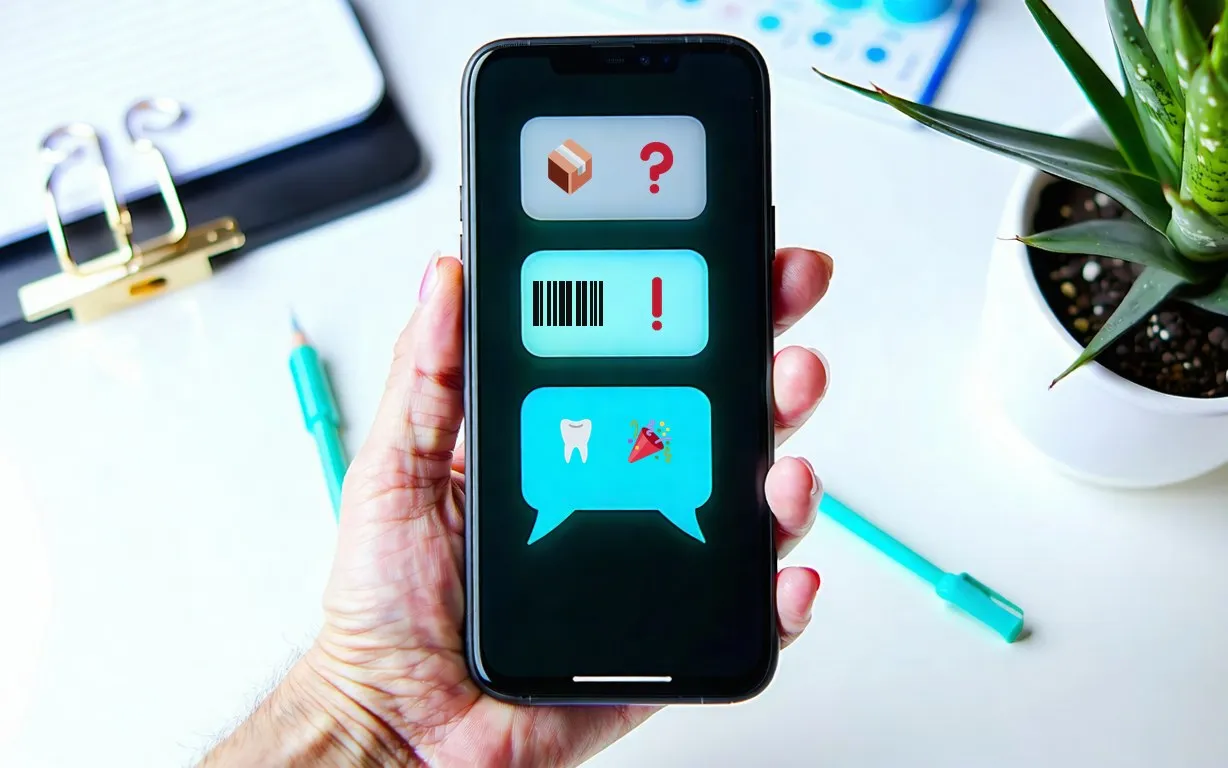
  • Smartphone with symbolic notifications on the status of work items

    A dedicated chat for each submission

    The conversation with the practice remains anchored to the individual submission — always consultable, always searchable. It replaces WhatsApp without interrupting the thread of work.

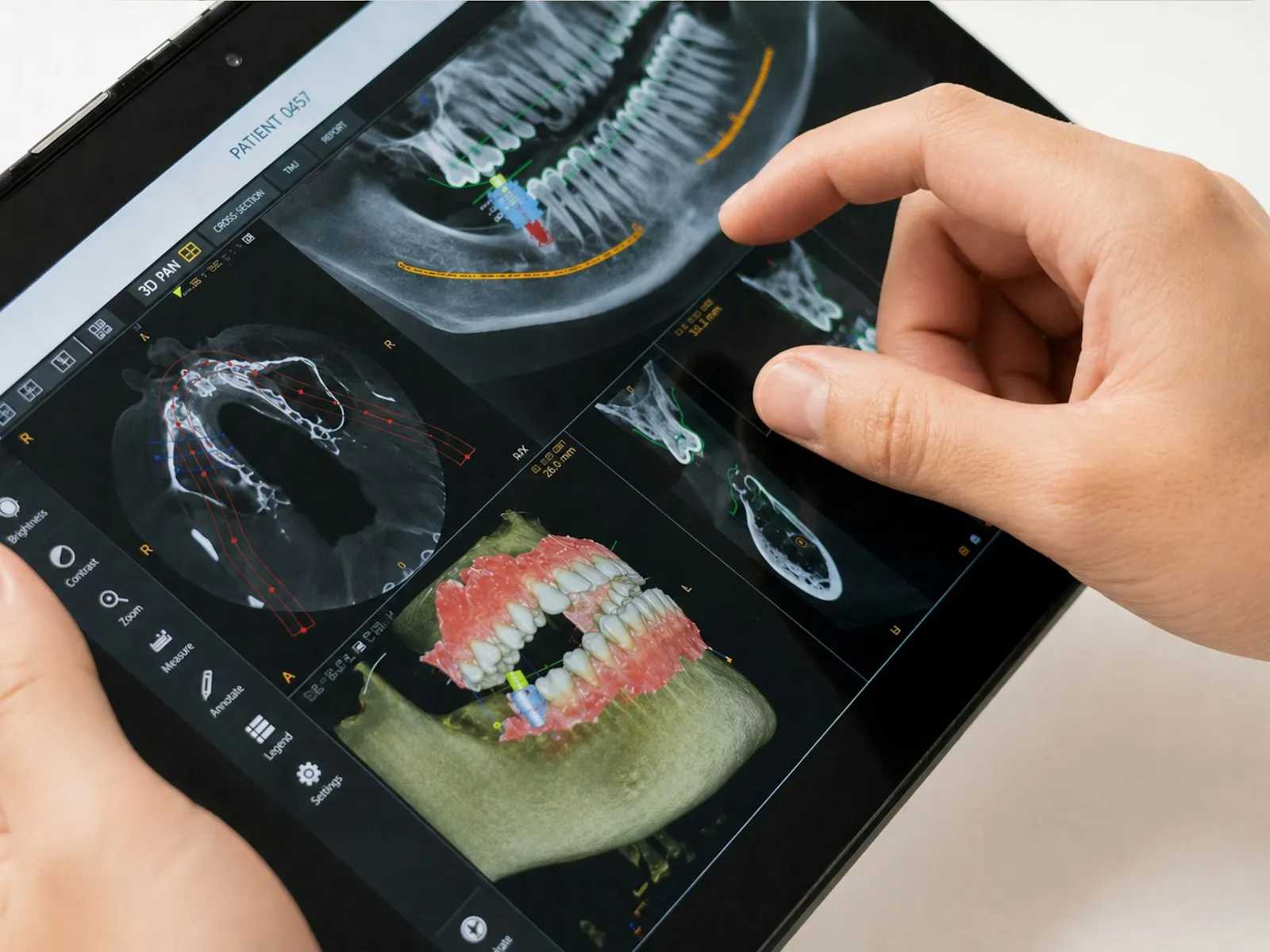
  • Person viewed from behind observing the computer screen in a dental practice

    Automatic notifications on status change

    When a work item moves to "in production", "ready" or "shipped", the practice receives the notification. No further telephone calls to enquire about progress.

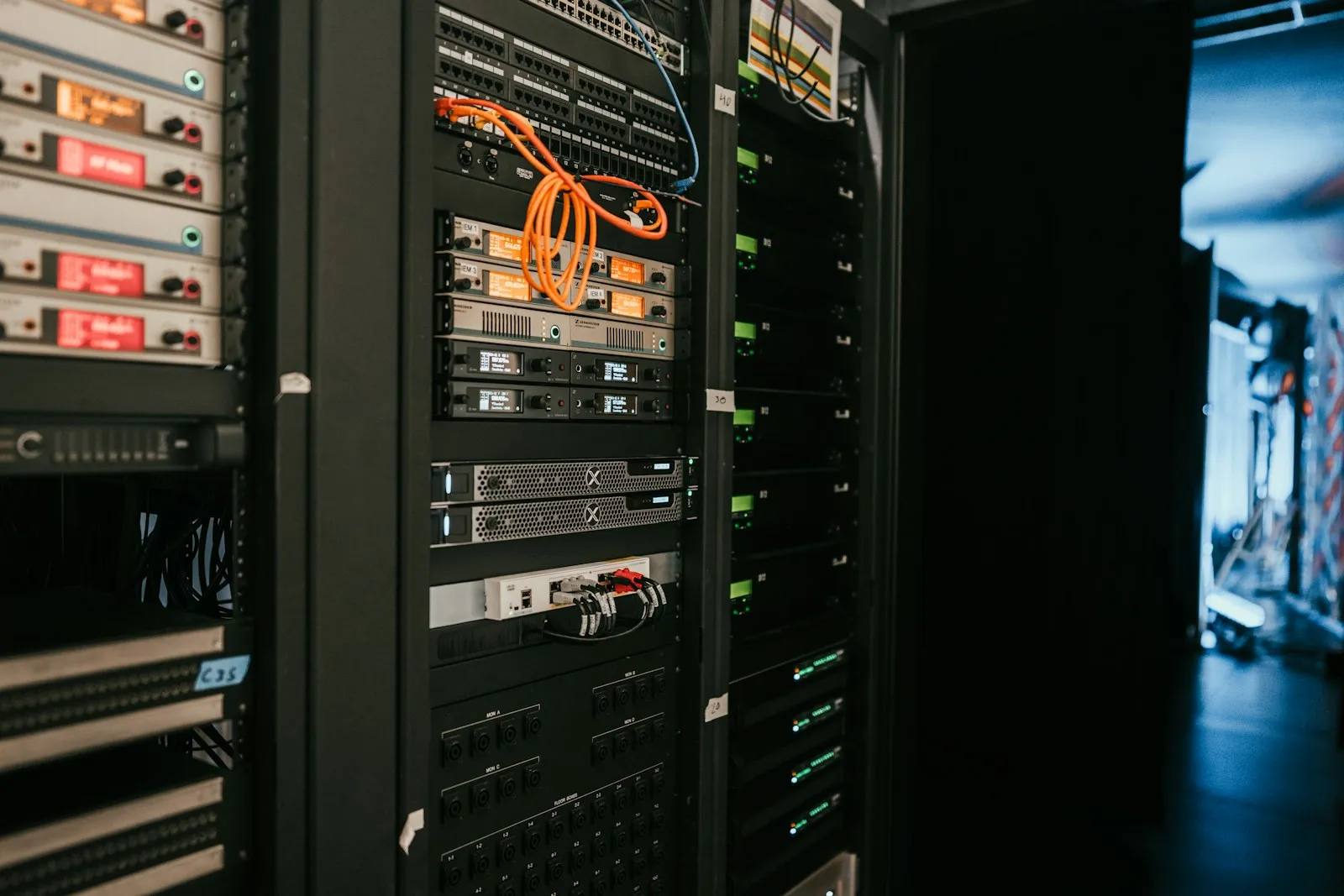
  • Rack of servers with active disks in a server room

    Files and prescriptions retained for ten years

    The practice reopens an STL from six months earlier with a single click. No request to resend the file, no Drive link no longer functional after a few days.

  • A single client record

    All practices active with your lab in one single list, with volumes, frequencies and order history. No duplicated Excel sheets, no shared mobile contact list among colleagues.

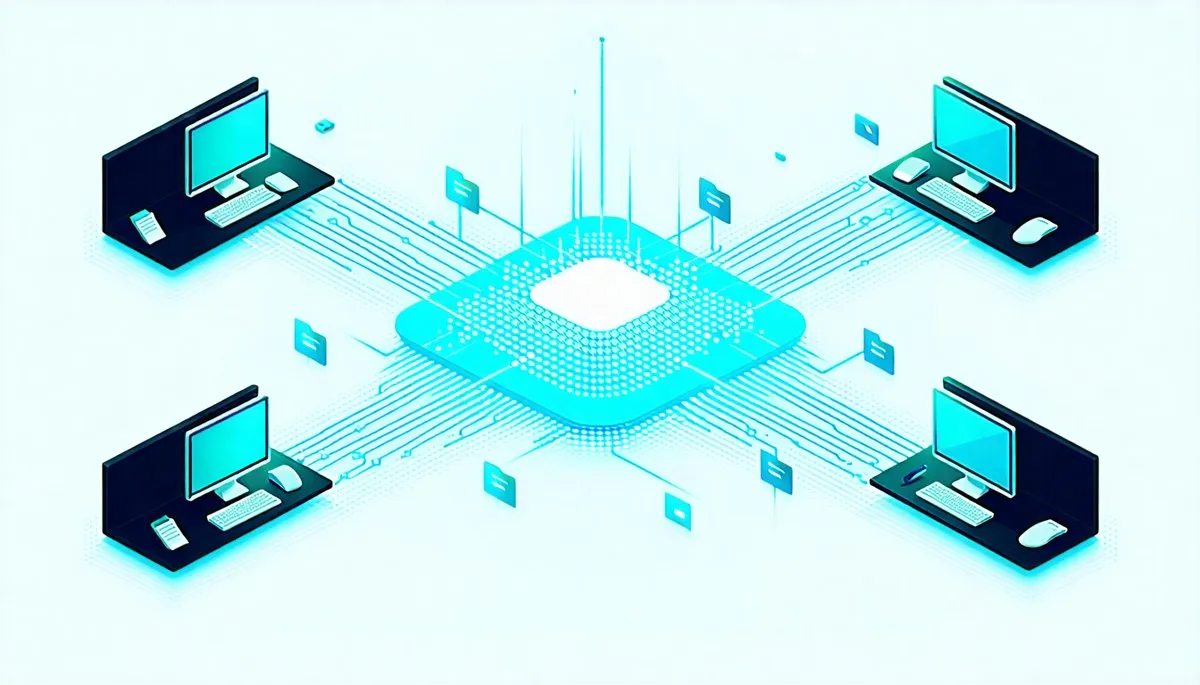
  • Isometric scheme of four workstations connected via network to a central cloud node

    Your client practice works with multiple hands

    The dentist uploads, the assistant adds the photographs, both view the status. Shared history, not fragmented across personal emails and different mobile devices.

  • Online showcase always accessible

    Public portal under your name, transparent price list, work gallery. New practices discover your lab and begin submitting without the need for dedicated campaigns or repeated solicitation of quotes.

Benefits

For those who upload, for those who produce.

For practices

Free of charge, on any lab in the network.

  • Free of charge, on any lab
  • Clear indications of what to attach
  • Real-time work item status
  • Permanent history, files do not expire
  • Dedicated chat with the lab
For labs

The complete portal of your lab.

  • Public portal under your brand
  • Forms configurable per work item type
  • Automatic medico-legal traceability
  • Confidential client records
  • API and webhooks for integration
Desktop app

Your 3D files land on the production PC. On their own.

CCC AutoDownload is the Windows application that downloads completed work items straight into a folder on your computer, already sorted by Form, year and month. You sign in once: from then on it runs in the background, with no need to open the portal again.

  • Automatic, background downloads

    Finished work items appear on disk as soon as they are ready. No clicking "Download", one item at a time.

  • The filename is never altered

    Each file keeps the exact name it was uploaded with: medico-legal traceability and the automatic detection used by CAD/CAM software stay intact.

  • Sorted by Form, year and month

    Every file is filed under CadCamCloud / Form / year / month / code. June's work is right where you expect it.

Available on the Premium and Enterprise plans · For Windows 10 and 11. macOS version on the way.
Who it is for

CadCamCloud is designed for three operator profiles.

Operator working on 3D dental CAD software
01 Lab

You run a lab that receives scans from your client practices.

Without CadCamCloud

Intraoral scans arrive via WhatsApp, email, Drive links subject to expiry. The dentist contacts the lab to enquire about progress. The prescription becomes dispersed and, should the reviewer verify the ten-year retention obligation, no formal archive is available to present.

With CadCamCloud
  • A public portal under your name, always online
  • Practices upload STLs, DICOM and photographs via structured forms
  • The work item status is visible to the practice in real time
  • Each submission generates an immutable PDF/A with verification QR
  • Ten-year archive: a single source of truth for every order
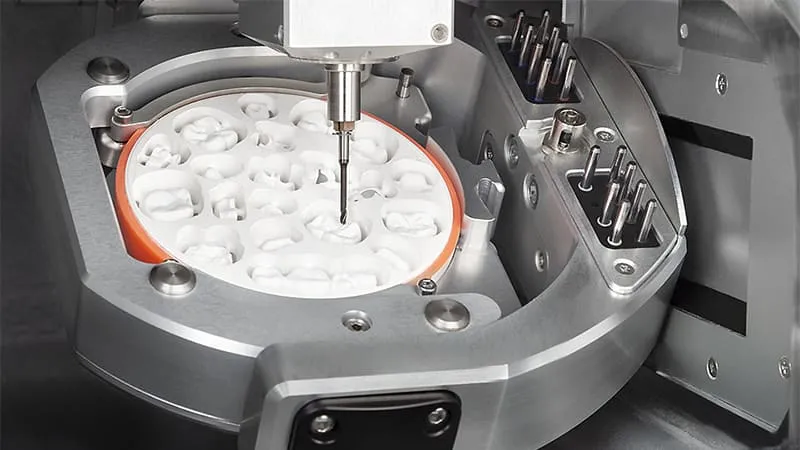
Dental CNC machinery in the foreground at a production centre
02 Production centre

You run a CAD/CAM production centre receiving STLs from dozens of labs and practices.

Without CadCamCloud

Each client lab transmits files through its own channel and its own format. Traceability per individual device, on an industrial scale, proves complex. Integrating the ERP management system with incoming flows almost always requires fragile custom development that is difficult to maintain.

With CadCamCloud
  • Public REST API and HMAC-SHA256 signed webhooks
  • Programmatic order reception from intraoral scanners and CAD software
  • Traceability per individual device with unique code and status history
  • Scalable multi-tenant: your clients' jobs are isolated by design
  • Comprehensive OpenAPI documentation, test sandbox for integrations
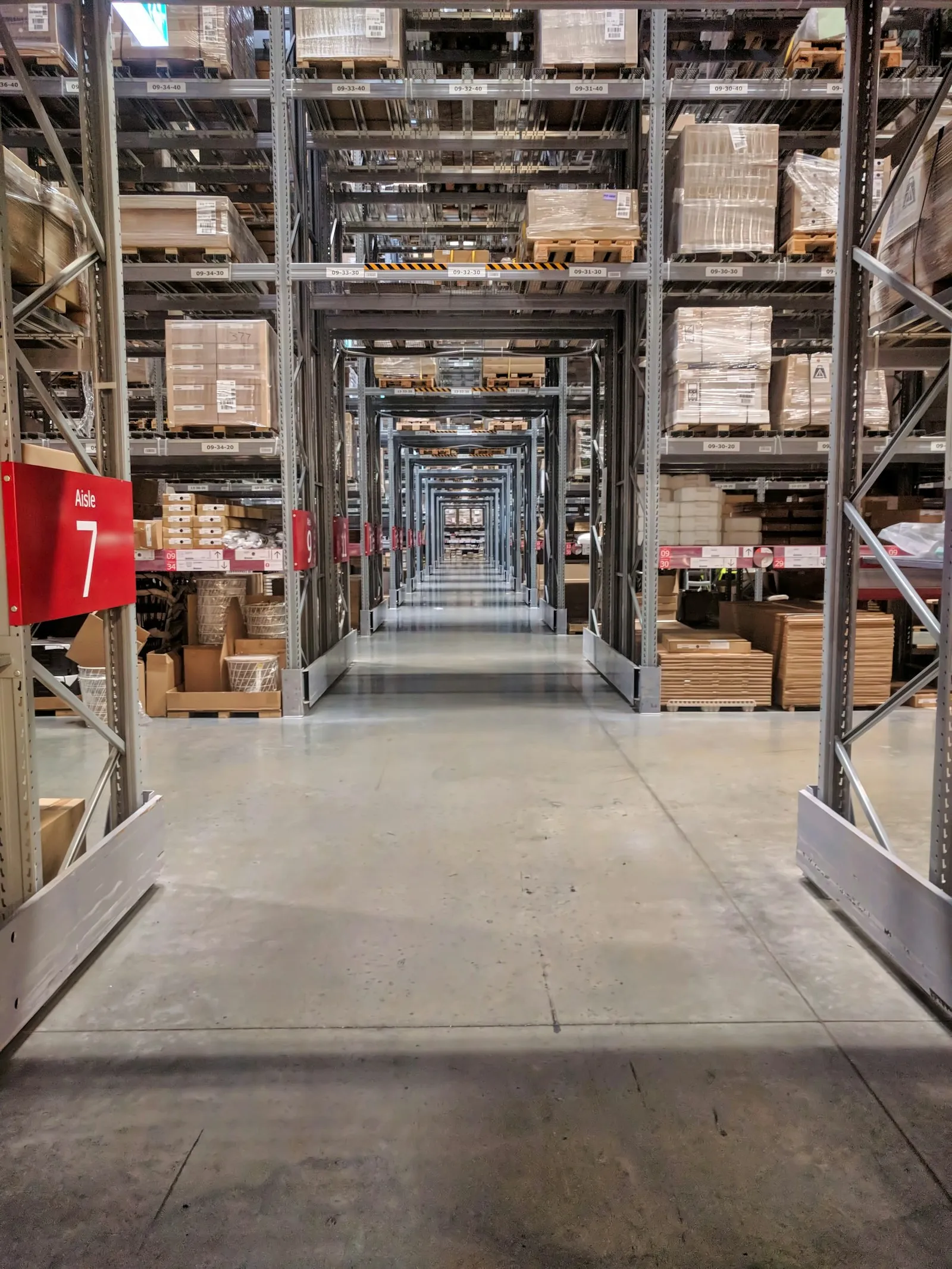
Shelves of a professional materials warehouse
03 Materials distributor

You manage a warehouse and intend to offer CAD/CAM in white-label, in cooperation with the producer of your choice.

Without CadCamCloud

You distribute dental materials to labs. You would wish to provide them with a digital channel to submit work items — under your brand — yet the internal development of a multi-tenant SaaS platform is not realistic. In the absence of a platform, upselling on materials remains tied to the telephone channel.

With CadCamCloud
  • Enterprise plan with custom domain and full white-label
  • Custom logo, colours and brand for your warehouse
  • Invite the CAD/CAM producer you partner with as an operator
  • Client labs upload work items under your brand
  • Close the commercial cycle with integrated upselling on materials
Public profile

The portal practices find when they search for your lab.

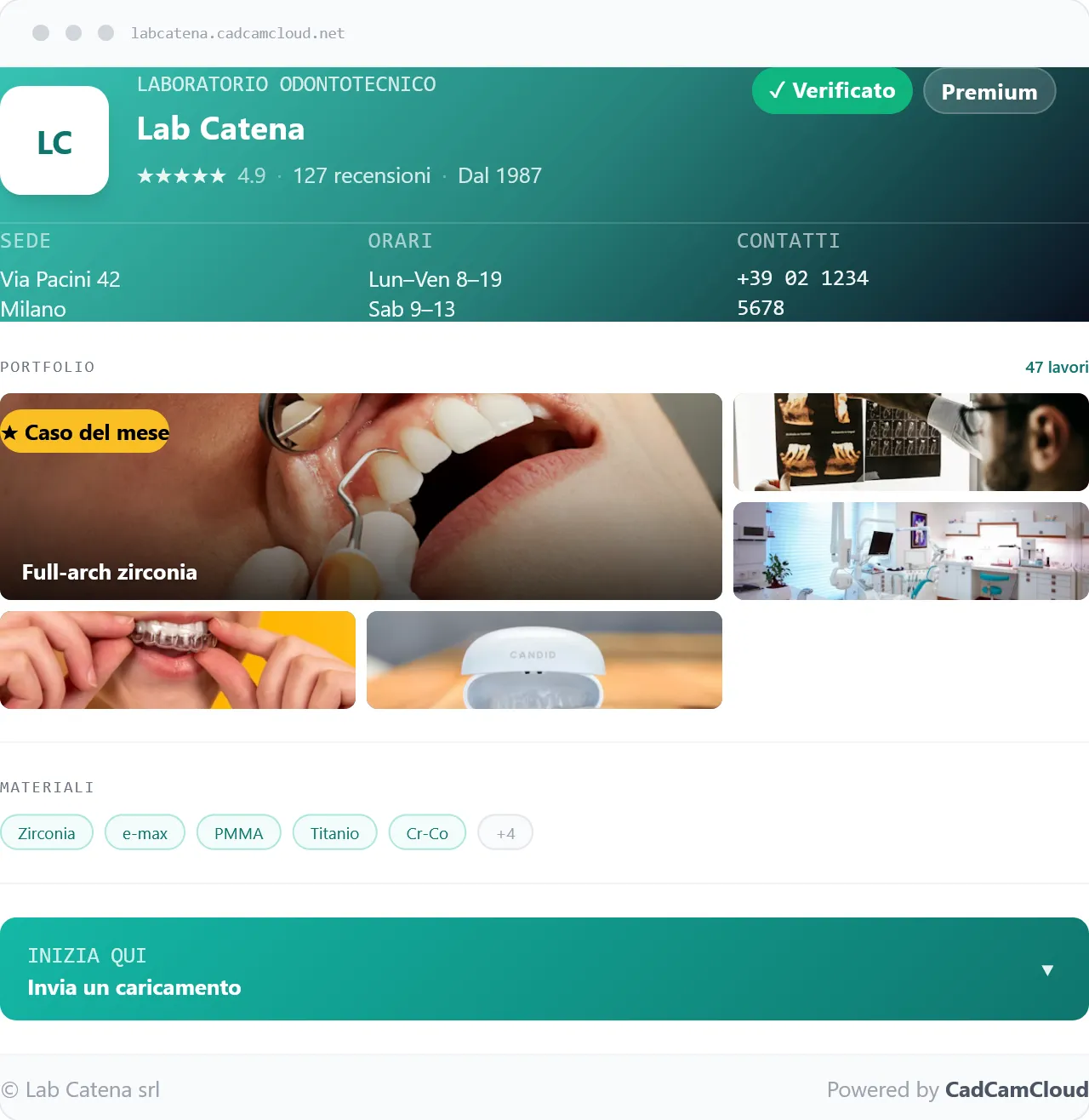
When a new dental practice types the name of your lab into a search engine, what is found determines the first impression. With CadCamCloud, what is found is your portal, updated in real time.

For most dental labs, a website remains a project deferred: too expensive, too difficult to keep updated, too far removed from daily craft. Yet it is the first thing a new practice consults before entrusting a case.

The CadCamCloud public portal occupies exactly that space. It is activated together with the account, it lives under your name, it is updated automatically as you work. For those who have never had a website, it makes one superfluous; for those whose site has been static for years, it becomes the operational version.

Mockup del portale pubblico di un laboratorio odontotecnico: header con logo e nome lab, rating, sede, orari, contatti, gallery di lavorazioni, materiali e CTA Invia un caricamento

Photographs of your work

A curated gallery showing real quality, not generic renderings.

Opening hours and contact details

Telephone, address, email, map. Updated the moment they change.

Transparent price list

Work item types, materials, price ranges. For the interested practice and for commercial transparency.

Materials and lines catalogue

The dental lines you work with and the options effectively available.

Structured intake form

A new client practice registers directly from the portal; you receive the notification.

To you it is the structured point of entry you long sought. To the practices it is your website — the one you never had to commission.

Tools

Micro-tools for the technical jobs you do every day

Specialised tools that handle a single step of the dental-lab workflow — born of the same bench-side problems that produced CadCamCloud, and just as vertical on dentistry as the platform itself. The preview is free for anyone, even without an account; you only pay for the output you download, with no subscription. A CadCamCloud account — the free plan is enough — is needed only at download.

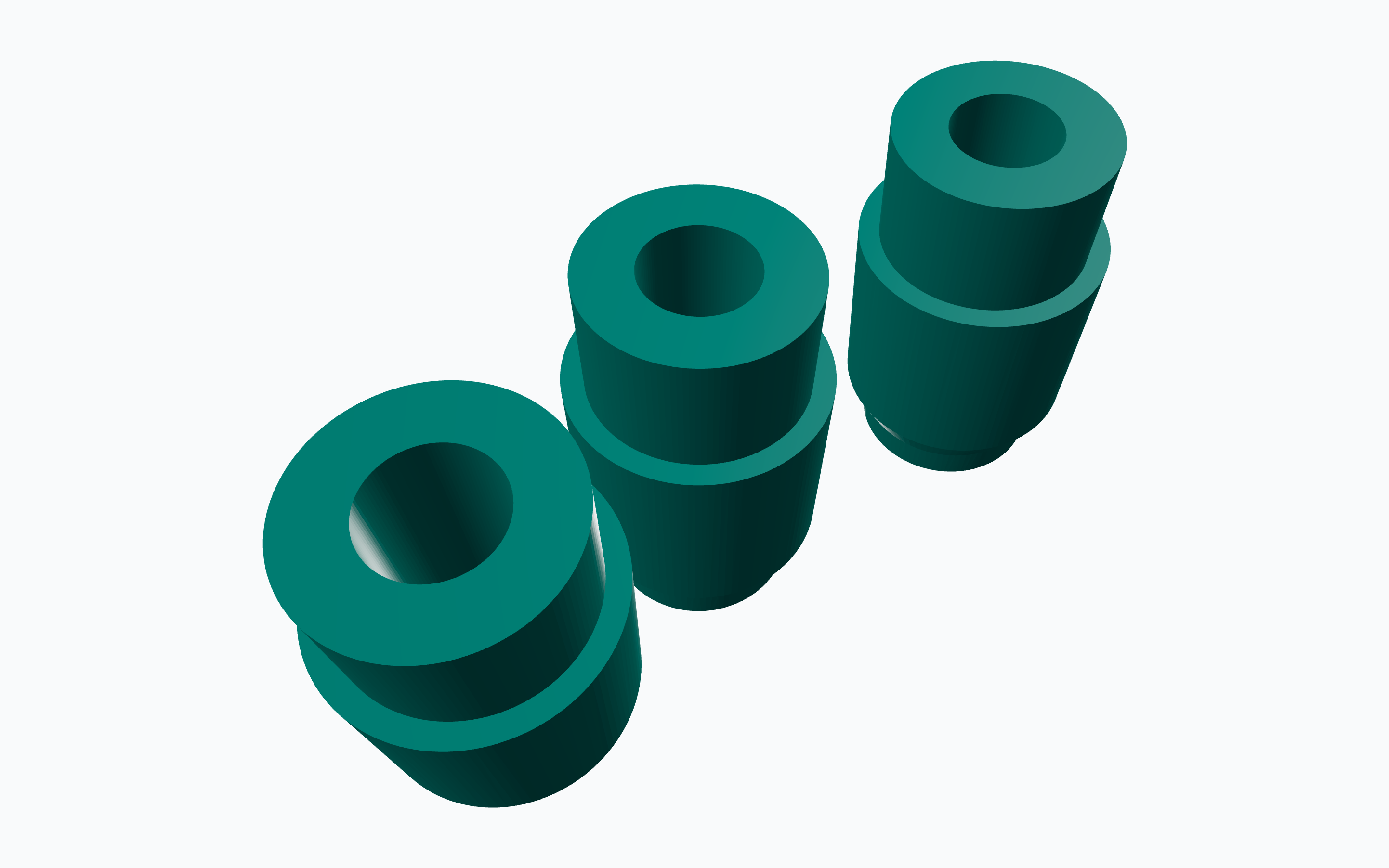
Preview of the Tastature → STL tool: scan abutments reconstructed in 3D from the probe files. Free preview

Tastature → STL

From the probe to the STL in seconds, already positioned and oriented.

Upload the .implantPosition files from the Nobel Procera probe: the 3D preview is free, then you download the scan-abutment STLs — already positioned and oriented in space — together with the implant libraries. It removes the need to rebuild implant positions by hand before designing.

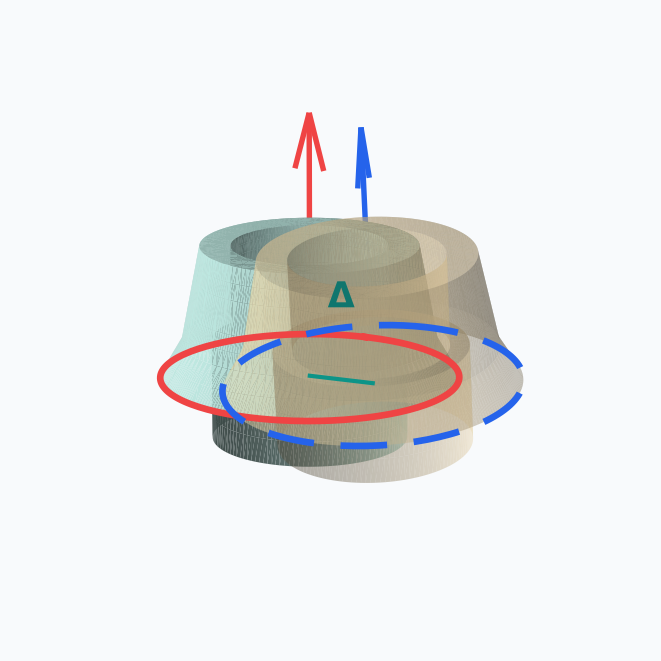
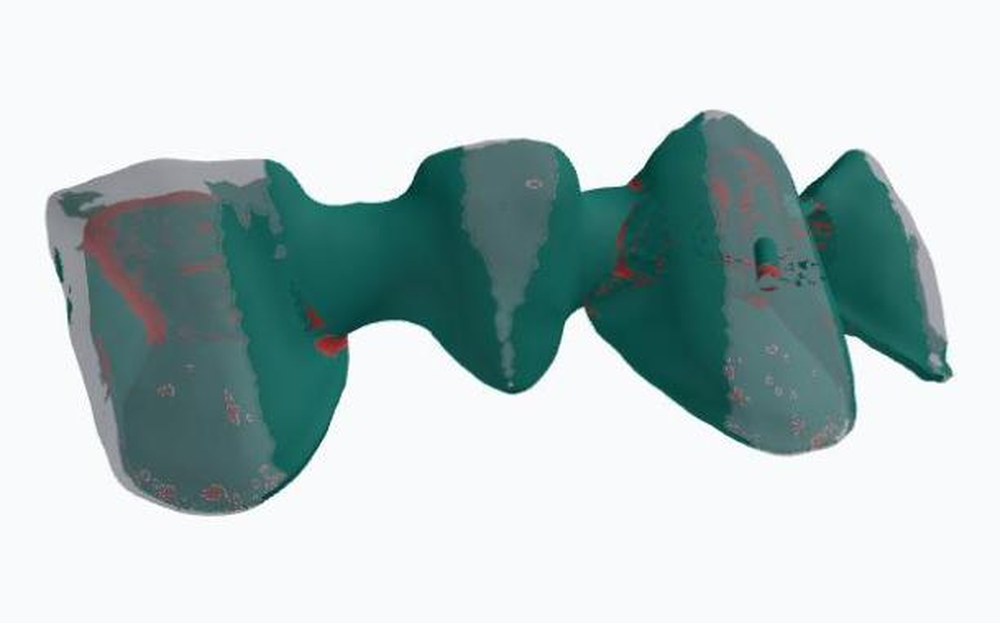
Cover of the Paragone tool: comparing the divergence between two implant-connection scans. Free preview

Implant connection comparison

How far apart are two scans? Measure it in millimetres and degrees, not by eye.

Compares the position of the implant connections between two STL scans and quantifies the divergence — centre offset in millimetres, axis deviation in degrees — with robust best-fit alignment. The PDF/A report is an objective record to show the practice, instead of an assessment made by eye.

Cover of the mesh wall-thickness tool: the heatmap highlighting the thinnest wall areas. Free preview

Mesh wall-thickness analysis

Where is the wall too thin? A heatmap shows you, in millimetres.

Measures the wall thickness of a mesh (STL, PLY, OBJ) and highlights on a heatmap the areas thinner than the threshold you set. The zones at risk are caught before milling, not after delivery.

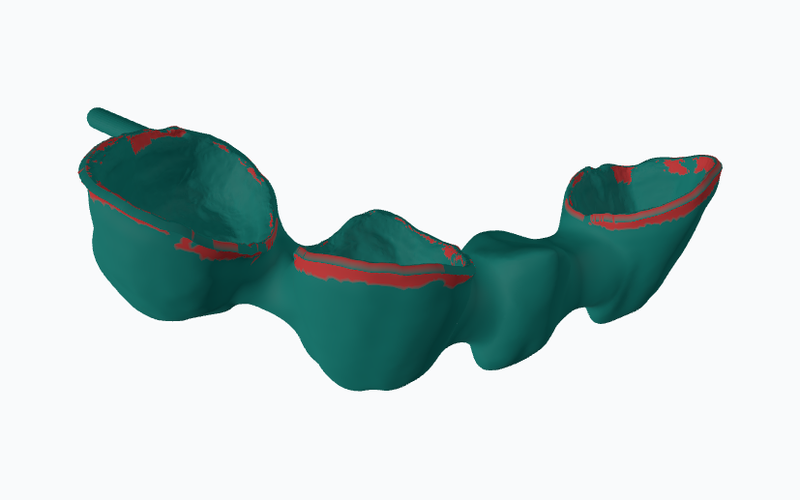
Cover of the minimum tool-diameter tool: the heatmap of the reachable cutter diameter inside the cavity. Free preview

Minimum tool-diameter analysis

Which cutter reaches the cavity? A heatmap shows the reachable Ø, in millimetres.

Estimates the ball-end cutter diameter reachable at every point of the internal cavity and highlights the zones that cannot be machined with the tool you choose. Feasibility is checked before the job goes to the machine, not once it is running.

Plans

Four plans. Start free, scale when required.

All plans include servers in the European Union, medico-legal traceability and a ten-year archive. What varies is the volume managed and the level of customisation required.

Basic

For those beginning the digitalisation path.

Free

With advertising in the dashboard

Includes 20 GB of storage
  • 3 active forms (pre-configured)
  • 50 submissions / week
  • Files up to 100 MB
  • Six months of history
  • Basic analytics
  • Ten-year medico-legal traceability
Most requested

Pro

For growing labs.

€15 /month

Monthly billing, cancellation at any time.

Includes 75 GB of storage
  • 10 active forms (pre-configured)
  • 200 submissions / week
  • Files up to 500 MB
  • Two years of history
  • ERP webhook + 1 API key
  • Advanced analytics

Premium

For established labs.

€39 /month

No advertising

Includes 500 GB of storage
  • Unlimited forms, custom and pre-configured
  • Unlimited submissions and history
  • ERP webhook + 5 API keys
  • Dedicated subdomain
  • Desktop auto-download client
  • Self-service test sandbox

Enterprise

For networks and white-label partners.

From €99 /month

Bespoke contract for your network

Includes from 1 TB of storage
  • Everything in Premium
  • Custom domain
  • Full white-label (logo, colours, brand)
  • Unlimited API keys
  • Dedicated SLA
  • Personalised onboarding

A single source of truth for every order. For the next ten years.

CadCamCloud is already operational end-to-end on real production flows. It works today, on real orders, not in a test environment.

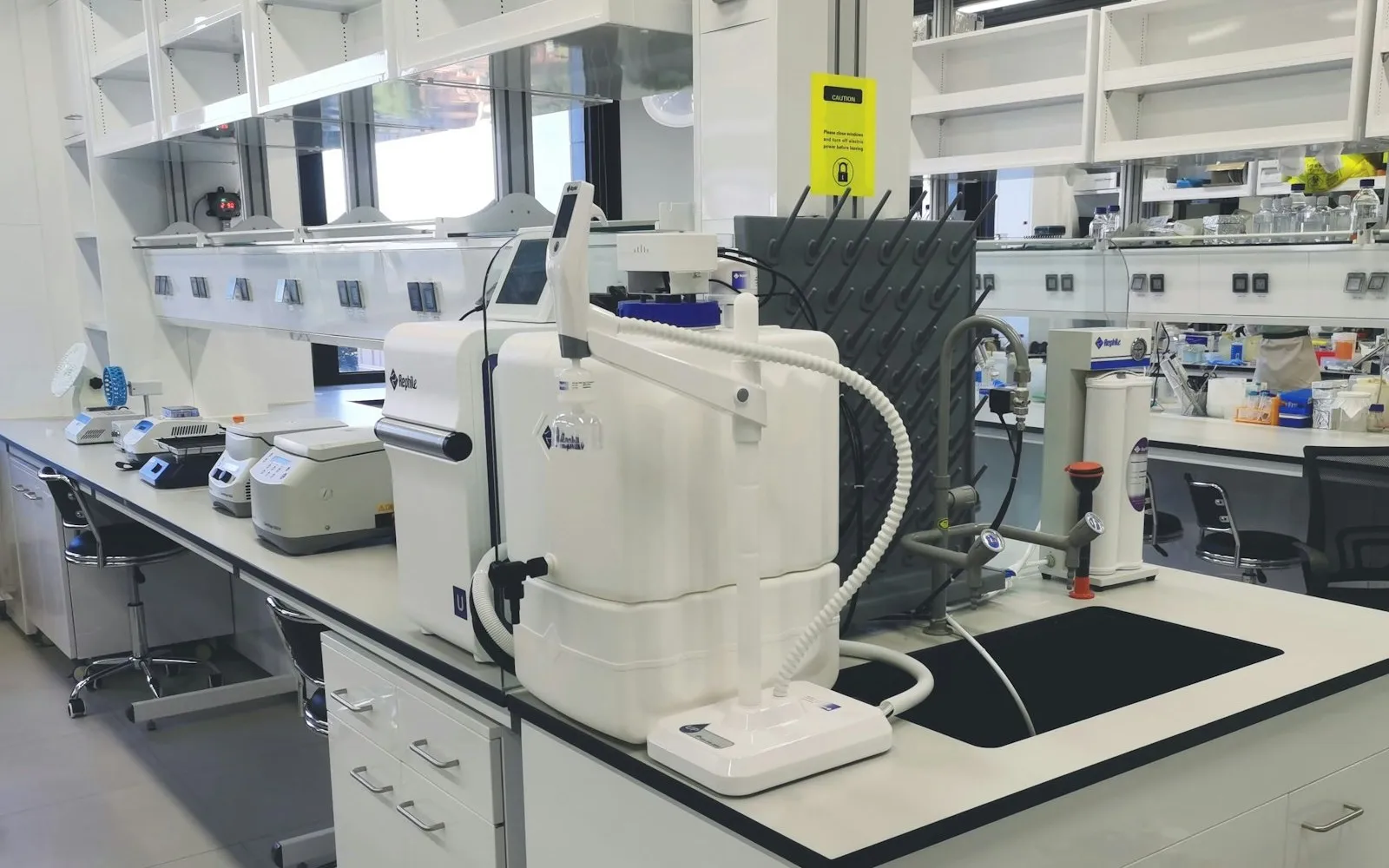
Wide view of a modern scientific laboratory with multiple workbenches and professional instrumentation
Enterprise

Do you run a large lab, a network, a production centre?

CadCamCloud Enterprise is intended for multi-site labs, B2B milling centres and white-label networks. Custom domain, bespoke brand, dedicated sandbox, complete API and webhook coverage, priority support, service contract with SLA.

Conceived for those who manage numerous labs under a single brand, or industrial production flows with volumes requiring dedicated accompaniment.

Beta programme — up to ten partner labs.

We have opened a closed-number beta programme, reserved for a maximum of ten partner labs. Full Pro plan, free for the first three months, in exchange for structured feedback on the product. Direct onboarding, voice in the roadmap, dedicated support.

This is not a marketing exercise: it is an operational constraint. Adequate accompaniment requires time, and what we are able to dedicate at this stage is for a maximum of ten labs.

Frequently asked questions

The questions we are asked most often.

What CadCamCloud is, who it is for, what it costs and how to get started.

What is CadCamCloud?
CadCamCloud is the platform dedicated to dental laboratories for receiving, managing and tracking the CAD/CAM work items submitted by their client dental practices. Unlike a generic file-sharing service, it is built around the dental workflow: customised submission forms, an individual status for every work item, compliance in the handling of clinical data, and integrated communication between practice and laboratory.
What is the best alternative to Dropbox or WeTransfer for a dental laboratory?
Generic services transfer files, but they do not handle prescriptions, work-item statuses or health data: once the transfer ends, the context of the case is left outside. CadCamCloud is vertical to the sector — every practice submits through a form configured by the laboratory, every work item carries its own status, and clinical data is isolated per laboratory on servers within the European Union. The "Comparisons" section sets out the point-by-point comparison with the most widely used services.
How are CAD files received from client practices in compliance with the GDPR?
Each practice submits its files through a form belonging to the laboratory and accepts the data-processing notice at the moment of submission, which is recorded together with the upload. Every submission generates a PDF/A (ISO 19005) containing the completed form, the attachments with a cryptographic checksum, a timestamp and a unique UUID; the transmitted content has no modification endpoint, so it remains exactly as it was sent. The data of each laboratory is isolated from every other one — the platform is strict multi-tenant — and our administration console reaches aggregate metrics only: never a name, never a file.
Is CadCamCloud suitable for handling health data?
Yes: it is designed around the medico-legal nature of dental data — multi-tenant isolation, hosting exclusively within the European Union, notices accepted and recorded for every submission, a document verifiable from a public page, and ten-year retention of the PDF/A. DICOM files (CBCT, CT and intraoral radiological series), which constitute PHI under Article 9 of the GDPR, are admitted on the Premium and Enterprise plans only, where the platform applies a dedicated antivirus scan with quarantine, a specific PHI notice and opt-in anonymisation.
How does subcontracting between laboratories work?
A laboratory may forward a work item to a partner laboratory while retaining responsibility towards its own client. The partner operates as a separate tenant: it receives the item from the commissioning laboratory and does not see the originating dental practice, which in turn continues to deal with a single counterpart. This is a capability that generic file-transfer services do not offer.
How much does CadCamCloud cost?
The Basic plan is free and includes 20 GB of storage, with advertising in the dashboard. The paid plans add forms, volumes, storage and integrations: Pro at €15/month (€12 with annual billing), Premium at €39/month (€29 annually), Enterprise from €99/month with a contract built around the network. The fee is flat per laboratory: nothing is charged per individual user.
Do dental practices have to pay in order to submit work?
No. Dental practices — the laboratory's clients — submit free of charge and with no time limit, with any laboratory on the CadCamCloud network. It is the laboratory that chooses the plan.
Is CadCamCloud available in several languages?
Yes: the platform and its content are available in five languages — Italian, English, French, German and Spanish — including the public pages through which dental practices submit their work.
Who is behind CadCamCloud?
CadCamCloud is developed by TQM S.r.l., a CAD/CAM dental production centre founded in Gioia del Colle (Bari, Italy) by Domenico Benagiano and operating since 2018. The platform began as an internal working tool of the laboratory and is developed in-house, with no outsourcing.
How does a laboratory start using CadCamCloud?
The laboratory creates an account, configures its own submission forms and its public profile; from that point its client practices submit work items through the laboratory's link. You begin on the free Basic plan, with no card required.

Ready to digitalise your lab?

Start free with the Basic plan, or book a thirty-minute guided demo to view CadCamCloud applied to your workflow.